

Photoshop
Use of Photoshop as a Modeling Tool
The book Maya 6 Killer Tips published in 2005 had a useful tip on page 59. If you need to add some small details to models, try using Photoshop to help. First, start by drawing some basic shapes using the marquee tool.
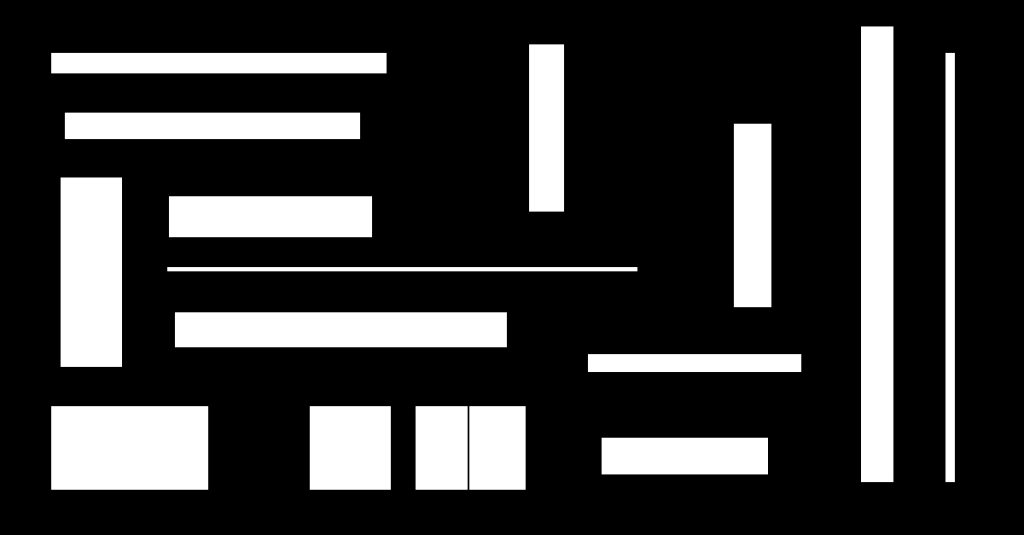
Then apply the Wave filter on your black and white image. Set the Wave Type to Square then use a small number in the Generators field (1 or 2). Select Repeat Edge Pixels. You should start to see a garbled image.
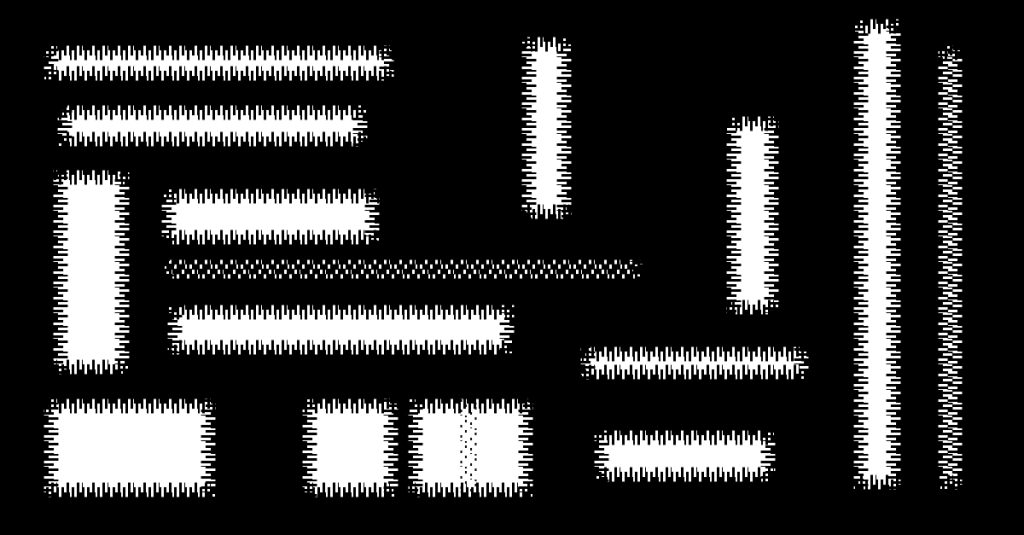
Tweak the Wavelength and Amplitude again. When you have an interesting arrangement, save the image and load it into Illustrator.
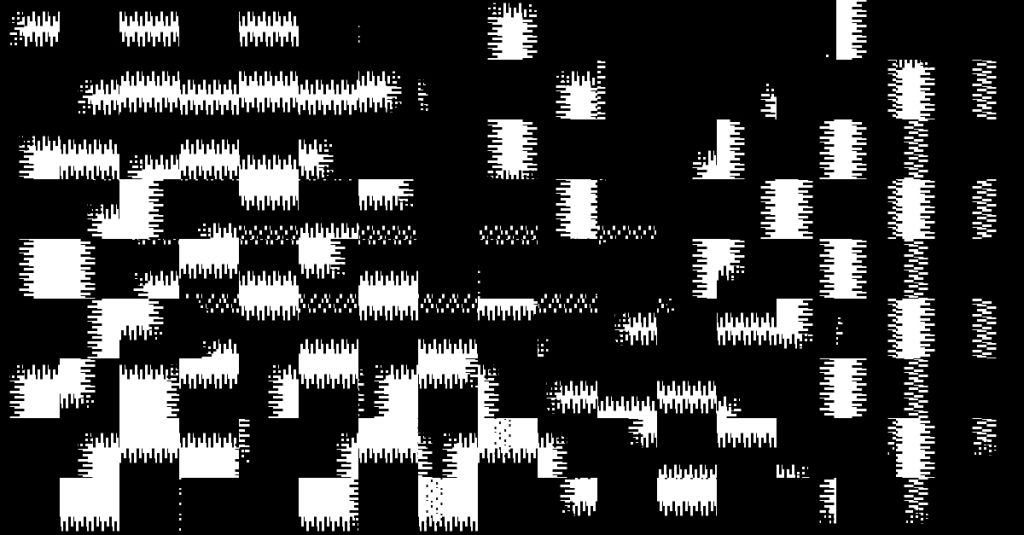
Next Live Trace in Illustrator and save the outlines. Bring the outlines into your 3D software and extrude to create what ILM model designers called “Greeblies” back in the 1970s or “Wiggets” as the 2001: A Space Odyssey model making team called them.